Agent Studio
Agents that act on the database you already run.
Built by filling in a form, not by writing code.
Point Agent Studio at Postgres, MySQL, ClickHouse or a CSV — 15 databases and 5 file formats. The schema becomes CRUD endpoints in about five seconds, those endpoints become MCP tools over OAuth, and the identity you attach decides which of them the agent may call. Under 30 minutes, learning curve included.
data → api → mcp → identity → agent
One team, start to finish
Watch a table. Read only. Alert on deviation.
Five agents on one table, running in order. Each is built the same way: a name, the job written in English, one tool granted, an identity attached.
A name, the job in English, the one tool it may call, and the schedule. This one summarises response time by agency every Monday at 00:00 UTC and flags any agency more than 10% off its own last week.
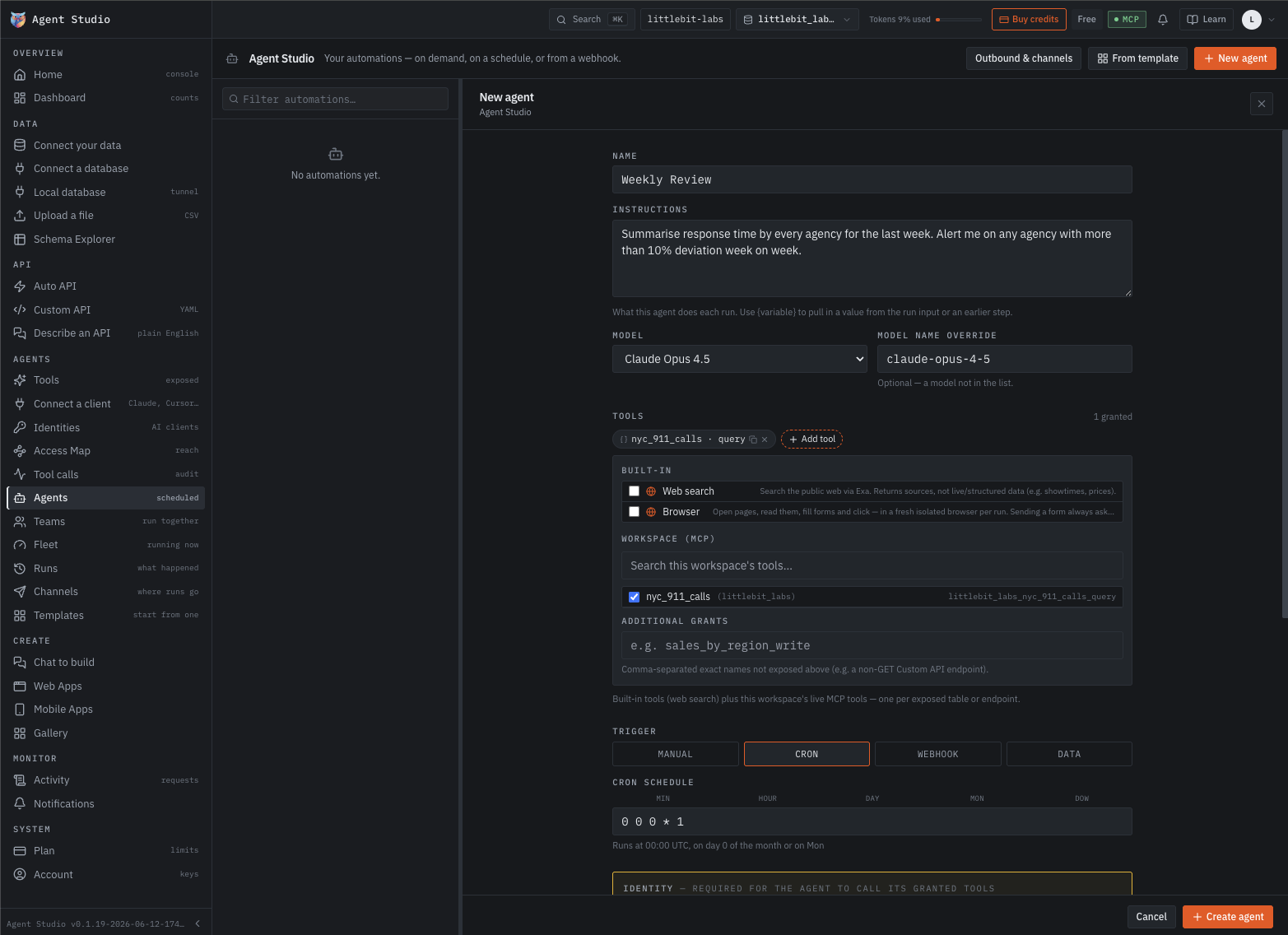
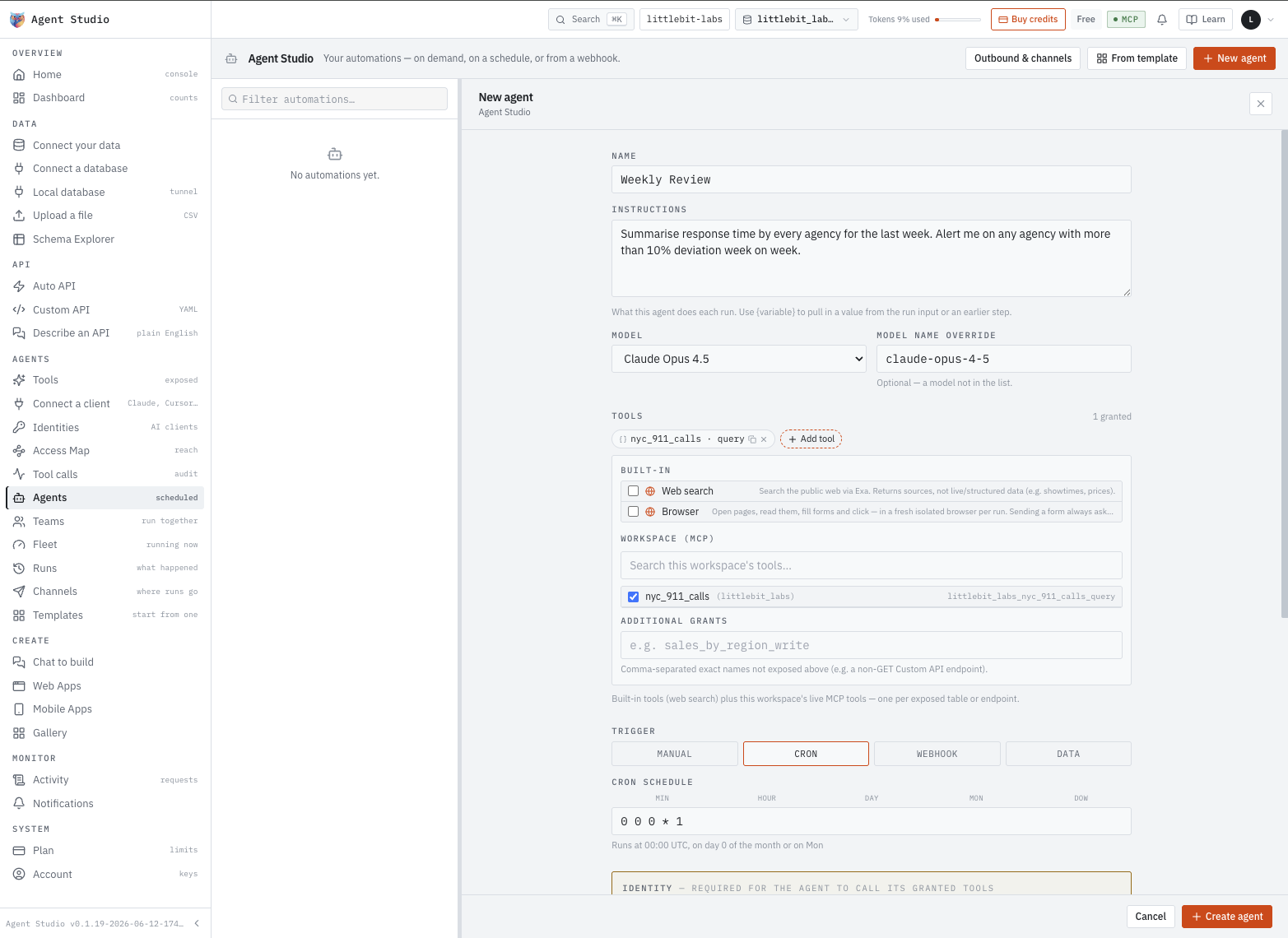
nyc_911_calls · query, a GET. The rest of the MCP server is out of reach, and the agent has no write to find. The identity is what turns that from a setting into a rule.911_Gate, 911_Fetch, 911_Split, 911_Compare, 911_Brief — a team rather than one agent, sequential, so each starts on what the last returned.
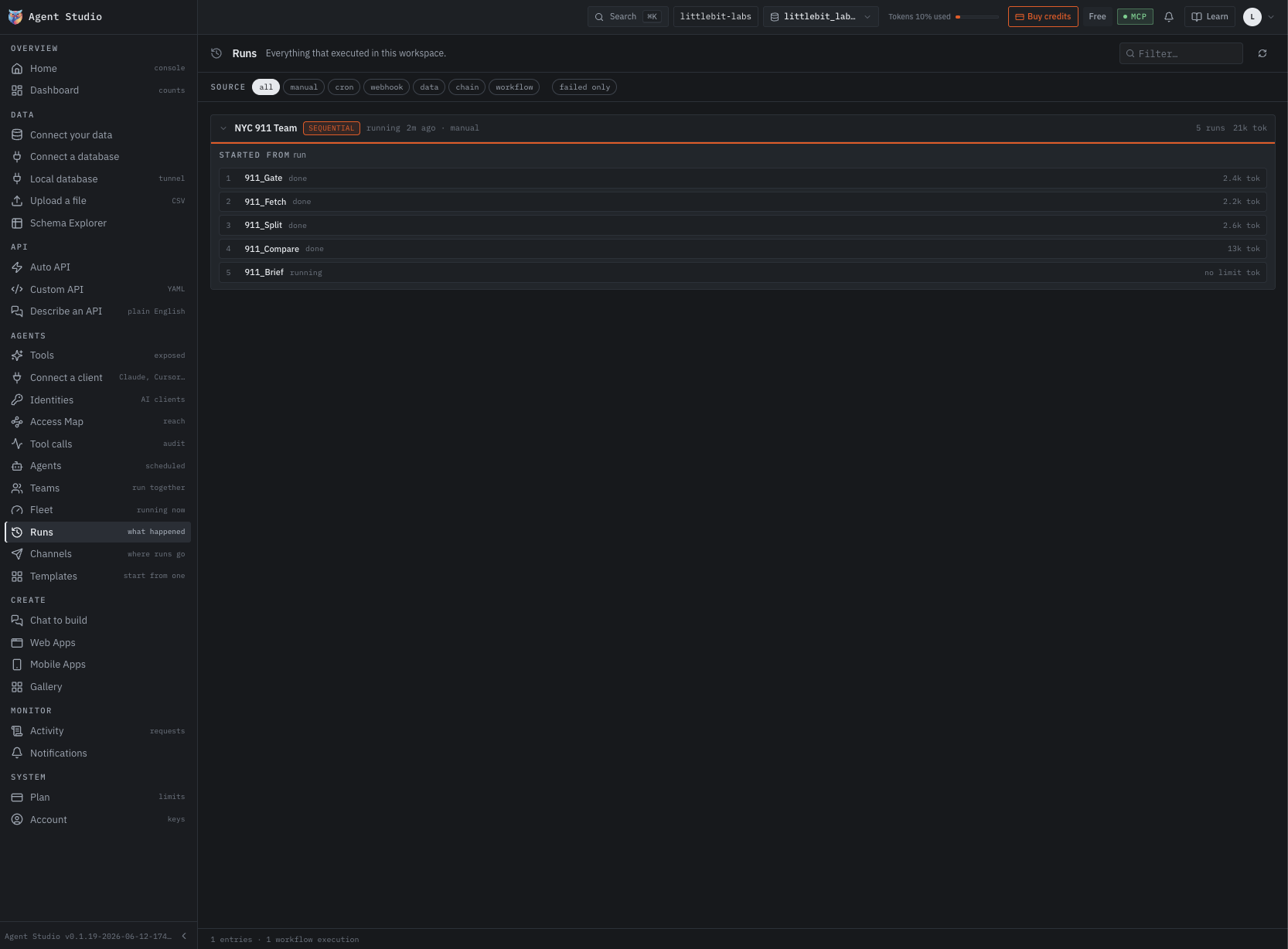
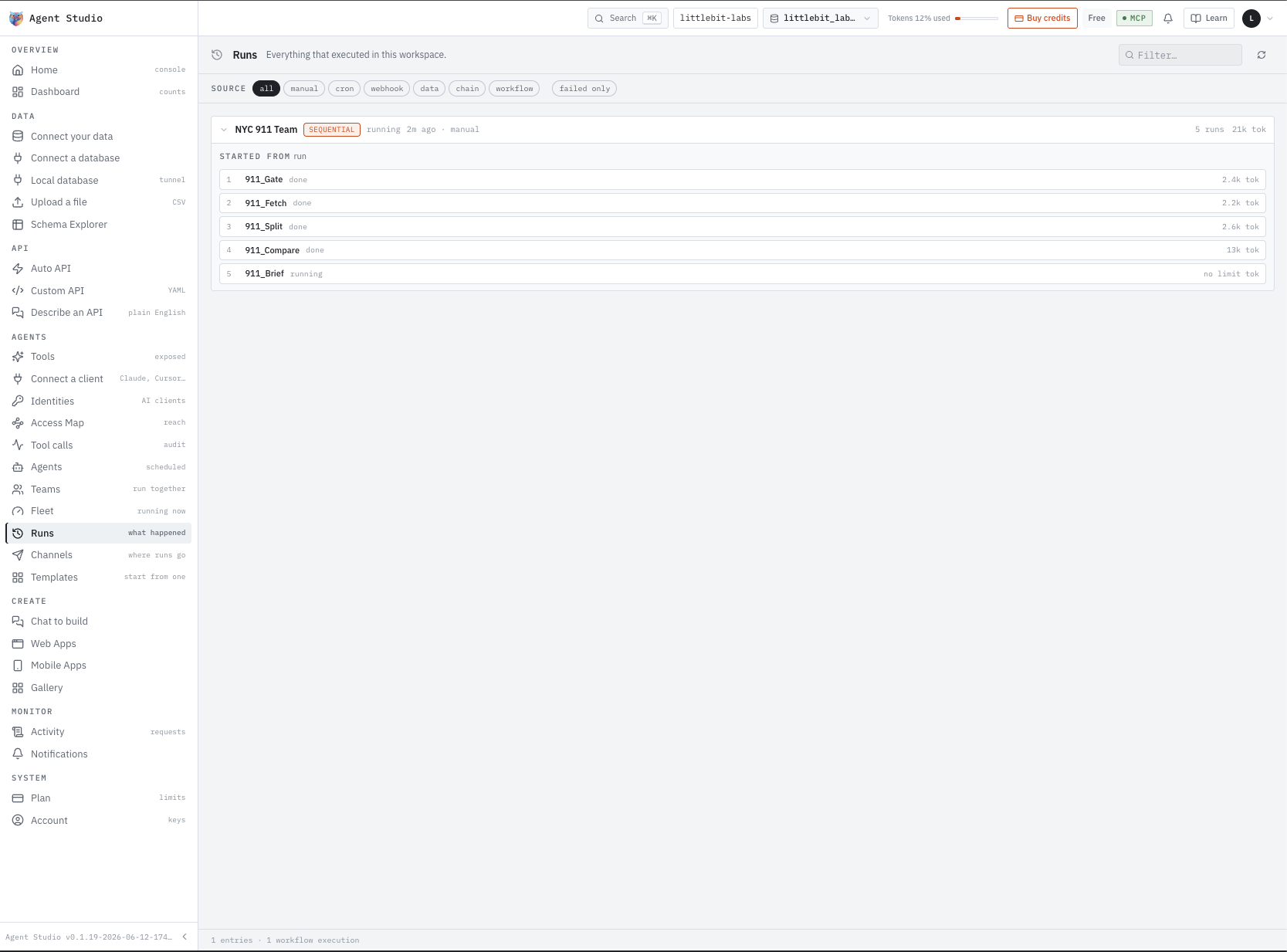
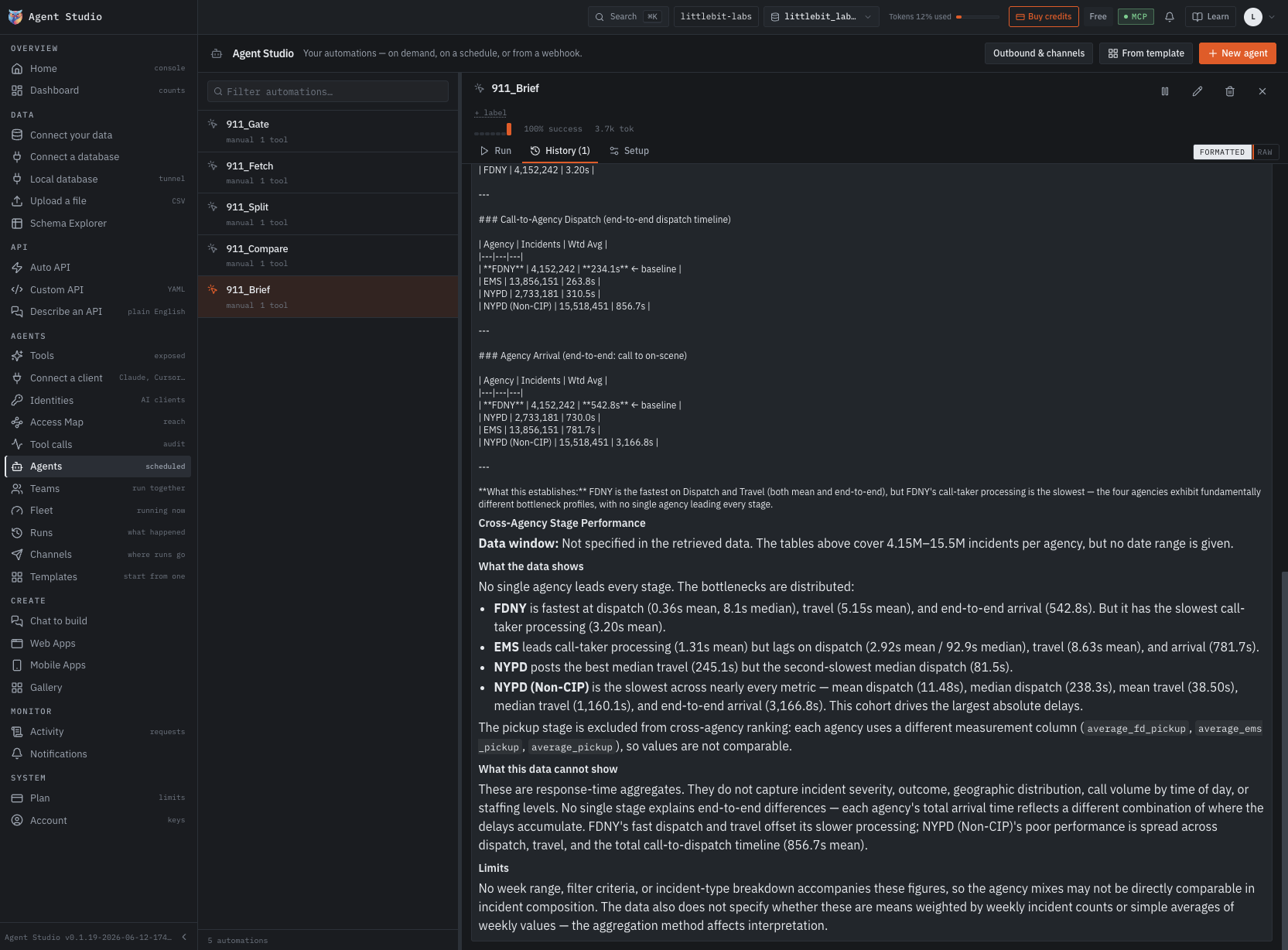
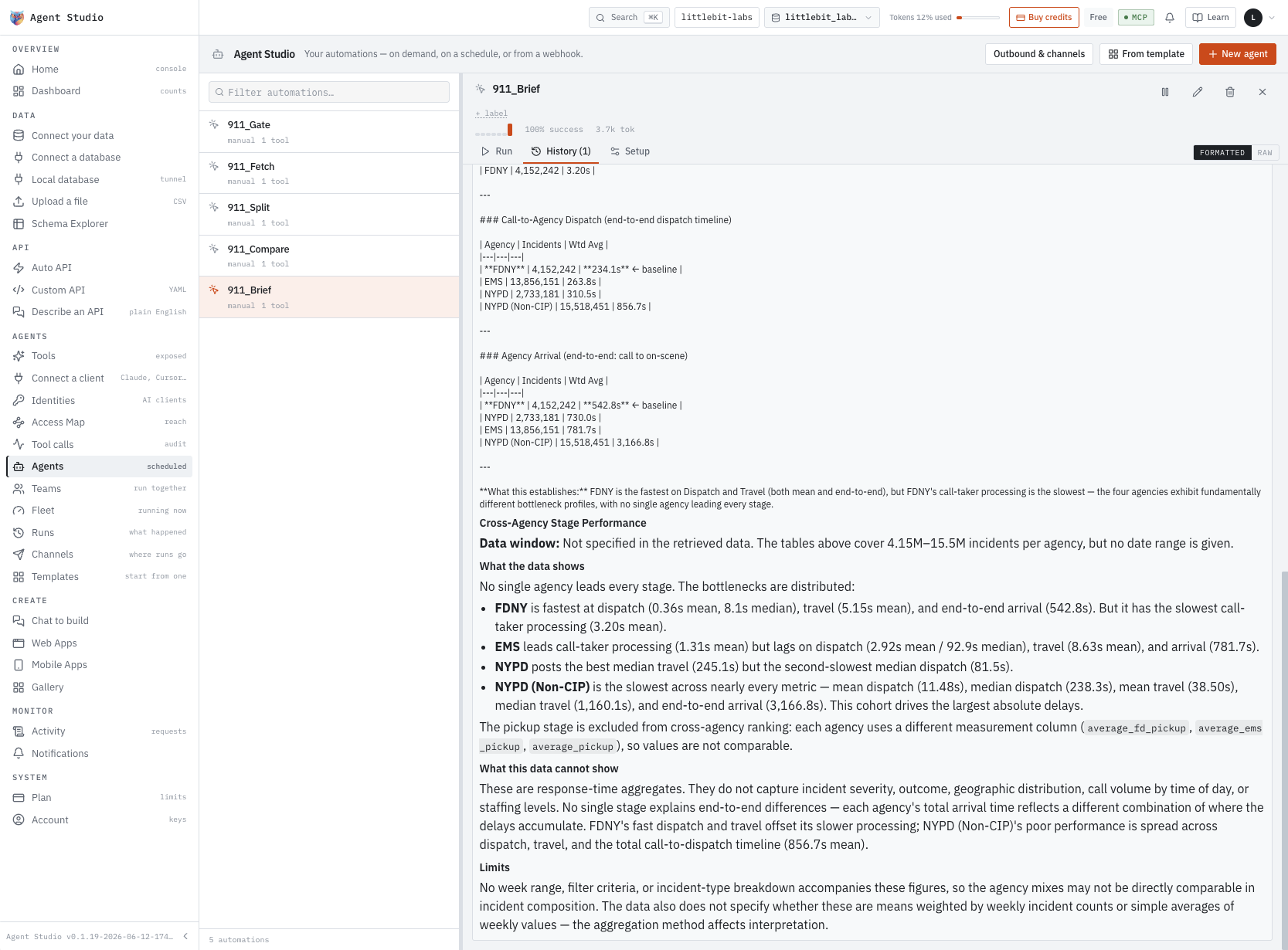
911_Brief’s output, kept on its run record and readable formatted or raw.
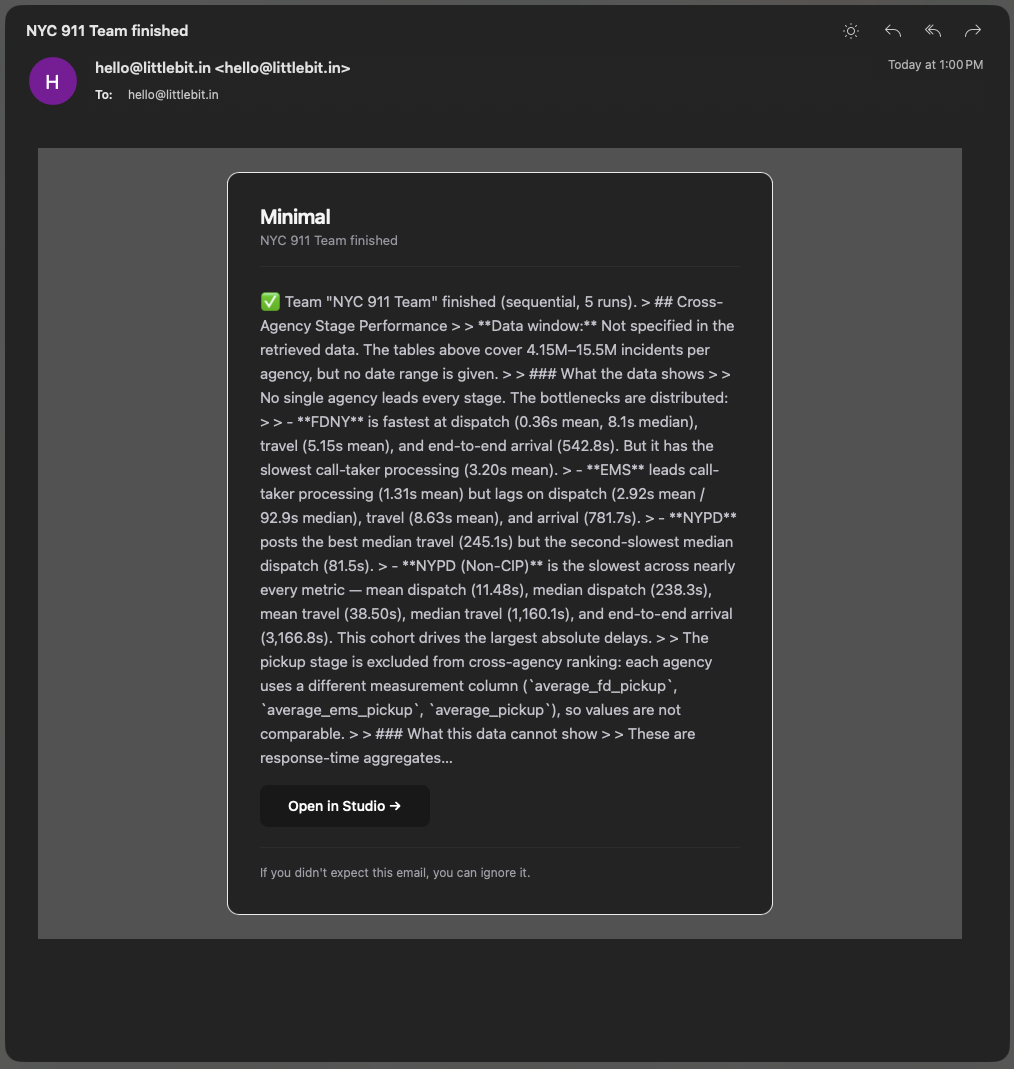
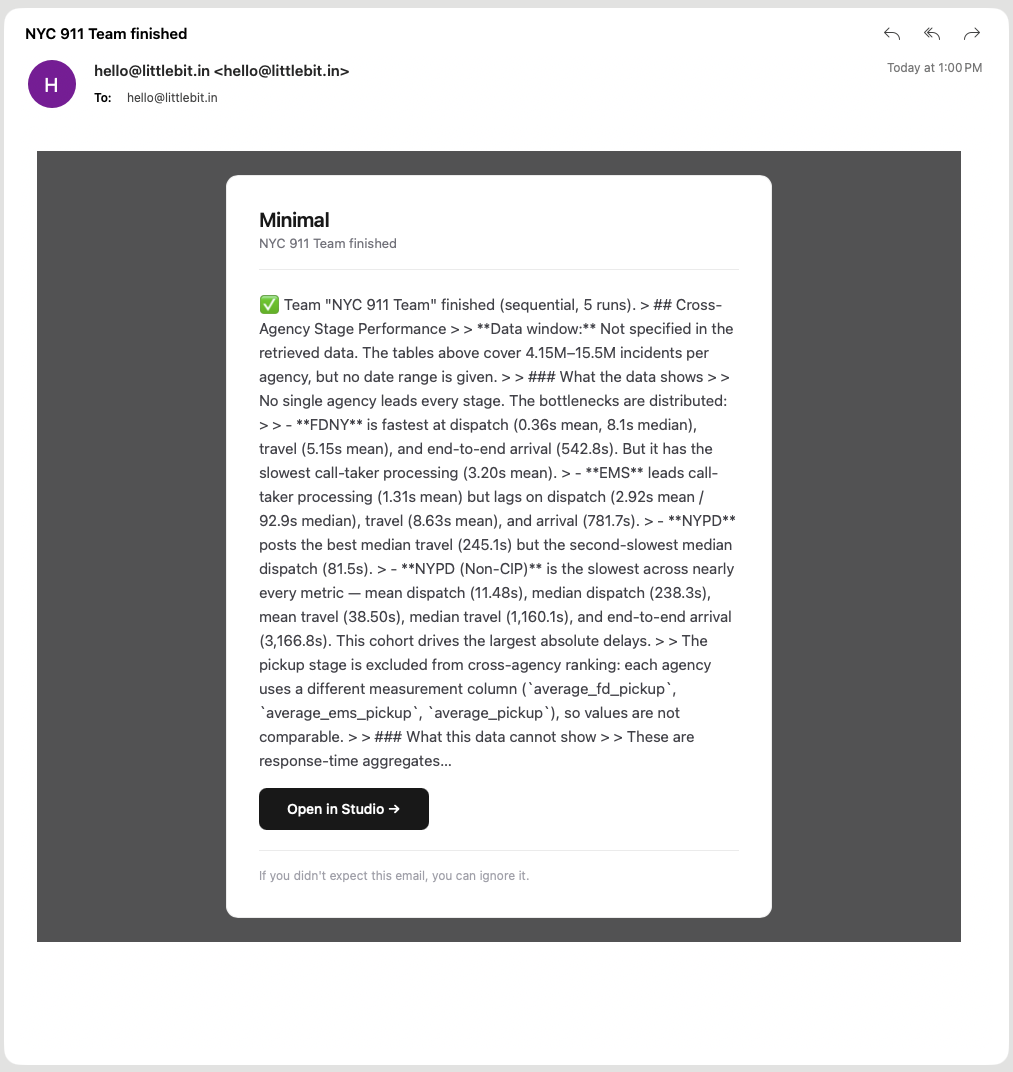
The team’s result, delivered on the channel you registered.
Five steps from a connection to a working agent.
Each one produces something you can inspect before moving to the next.
Point at your data
Postgres, MySQL, ClickHouse, MariaDB and 11 more, cloud or local — or CSV, Parquet, XLS, JSON and NDJSON, imported as tables the moment they land. The connection runs outbound-only, so no port opens in your network.
APIs appear
Create, read, update and delete on every table, view and materialized view — live in about five seconds. Beyond CRUD, describe the API in plain English or write it as YAML — either way it is live in under five minutes.
MCP server, yours
Your own server, out of the box, over OAuth. Choose which tables and APIs it exposes, then connect Claude, ChatGPT or Codex. The agent sees only what you exposed — nothing else on the server.
Identity, scoped
Roles and identities defined in the UI, with no policy files to write. Assign what the agent can do and what it can’t — permissions attach to actions, not only to tables.
Agent runs
Give it a job: answer from a knowledge bank, run a task on a schedule, alert you when a number leaves the range you set. It calls only the tools its identity allows, against data that never left your database.
What’s never lost. Every call the agent makes through APIs, MCP and Custom API is logged, with traces exportable to any OpenTelemetry collector on self-hosted — Jaeger included. Every change to an org, project, Custom API, module or space is versioned, so an admin can roll back a dangerous one with a click.
What you can’t do. Authentication for your own users, third-party integrations, and logic that has nothing to do with your database. That work stays yours to build, manage and maintain.
What the agent reaches, and what it never sees.
Four screens in the studio answer it, and the studio flags its own over-privileged identities before you go looking.
The machine credentials your AI clients connect with, and what each one can actually get to.
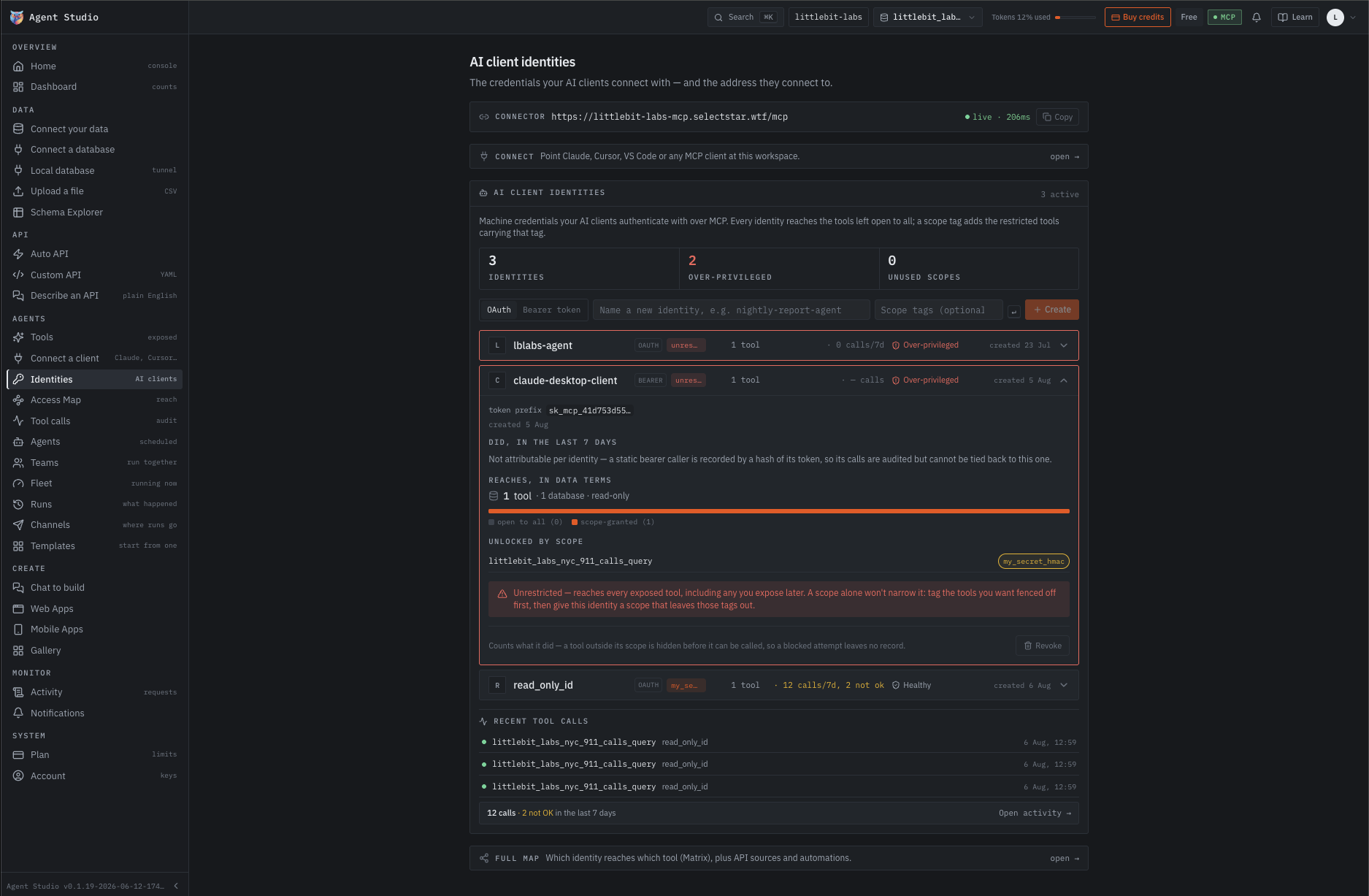
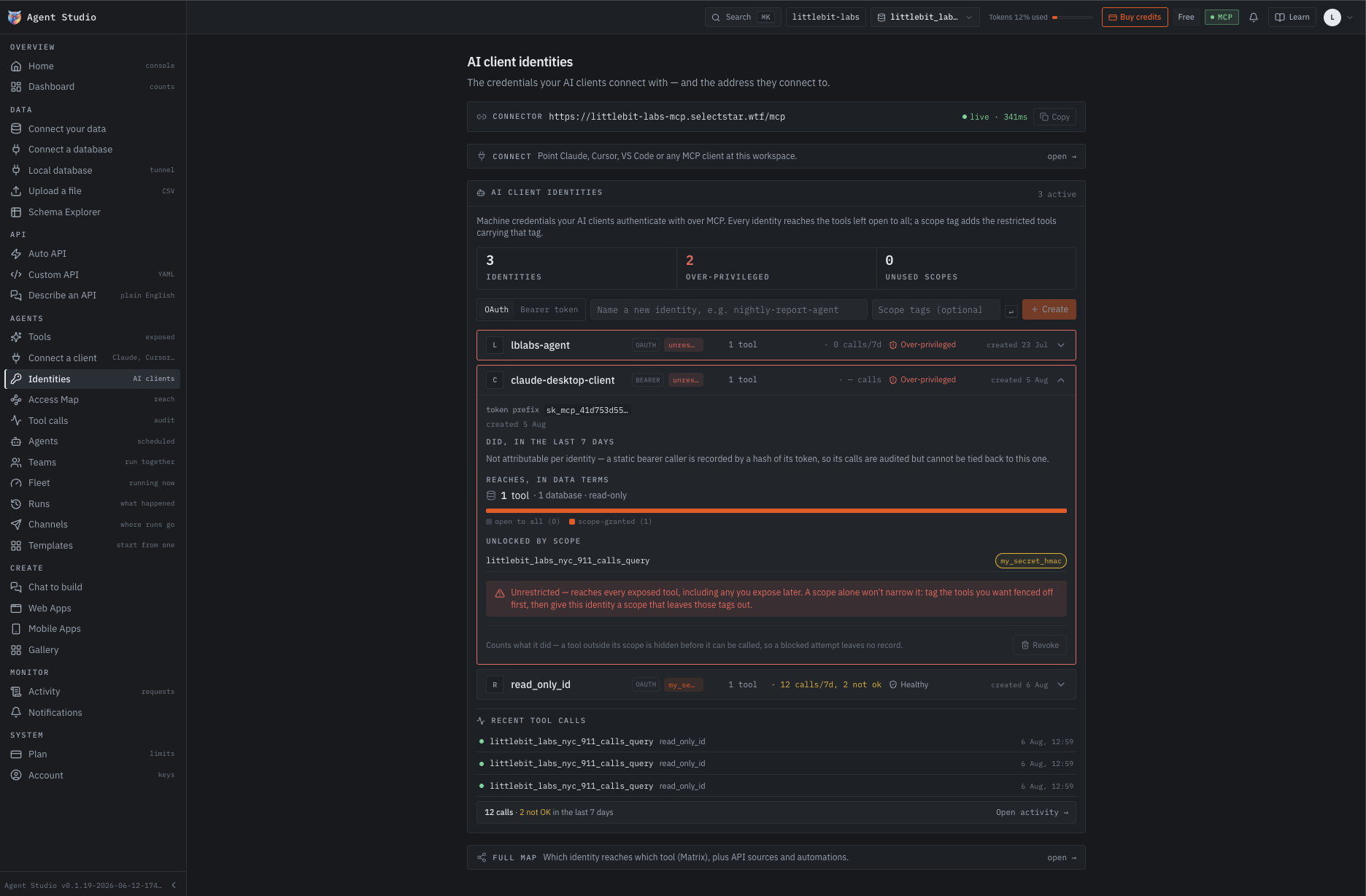
my_secret_hmac scope tag — with the warning that an unrestricted identity reaches every tool you expose later, and that a scope alone will not narrow it.Four columns, one row of truth: the APIs, the tools exposed from them, the identities that hold those tools, and the automations that call them.
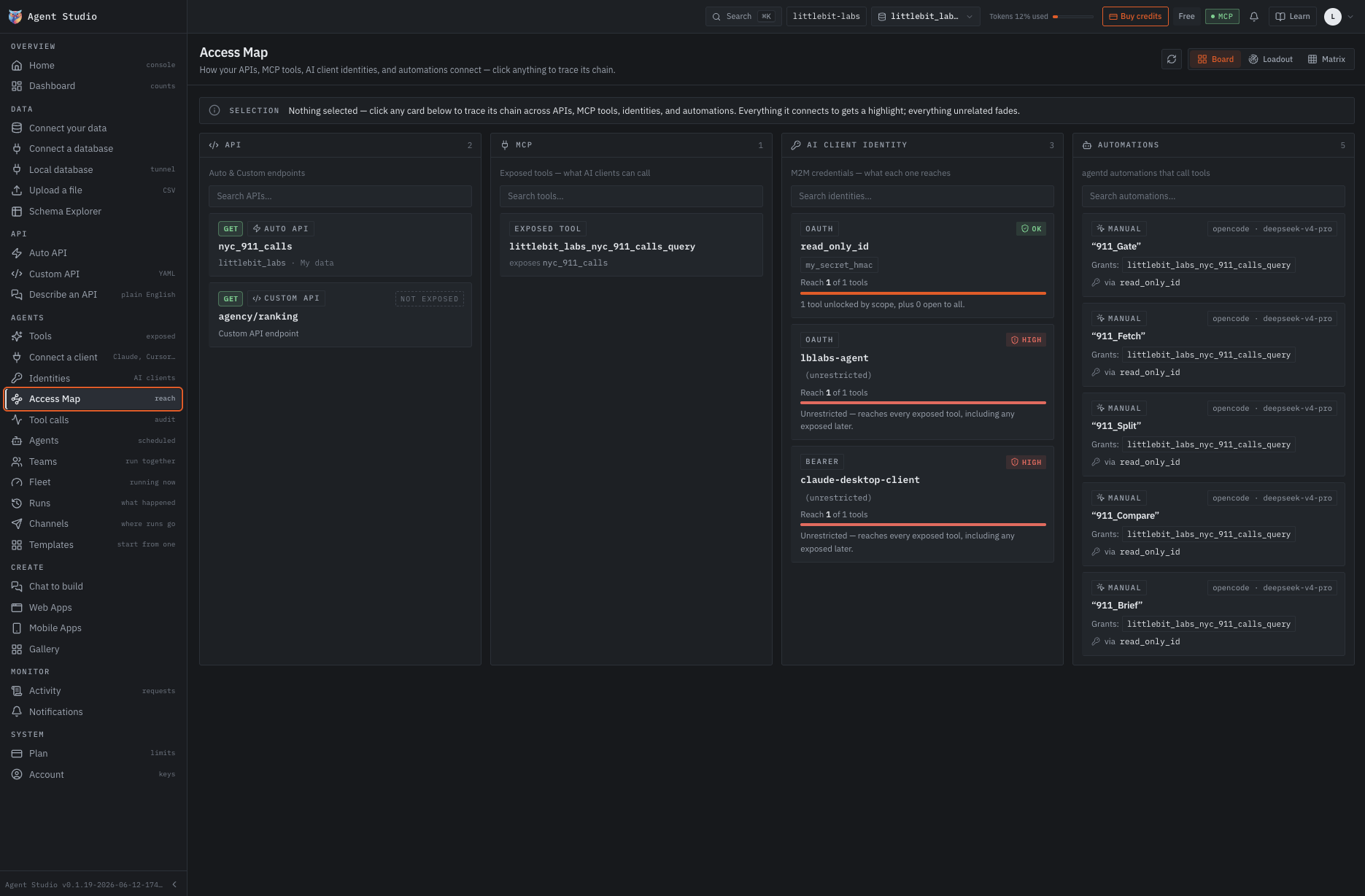
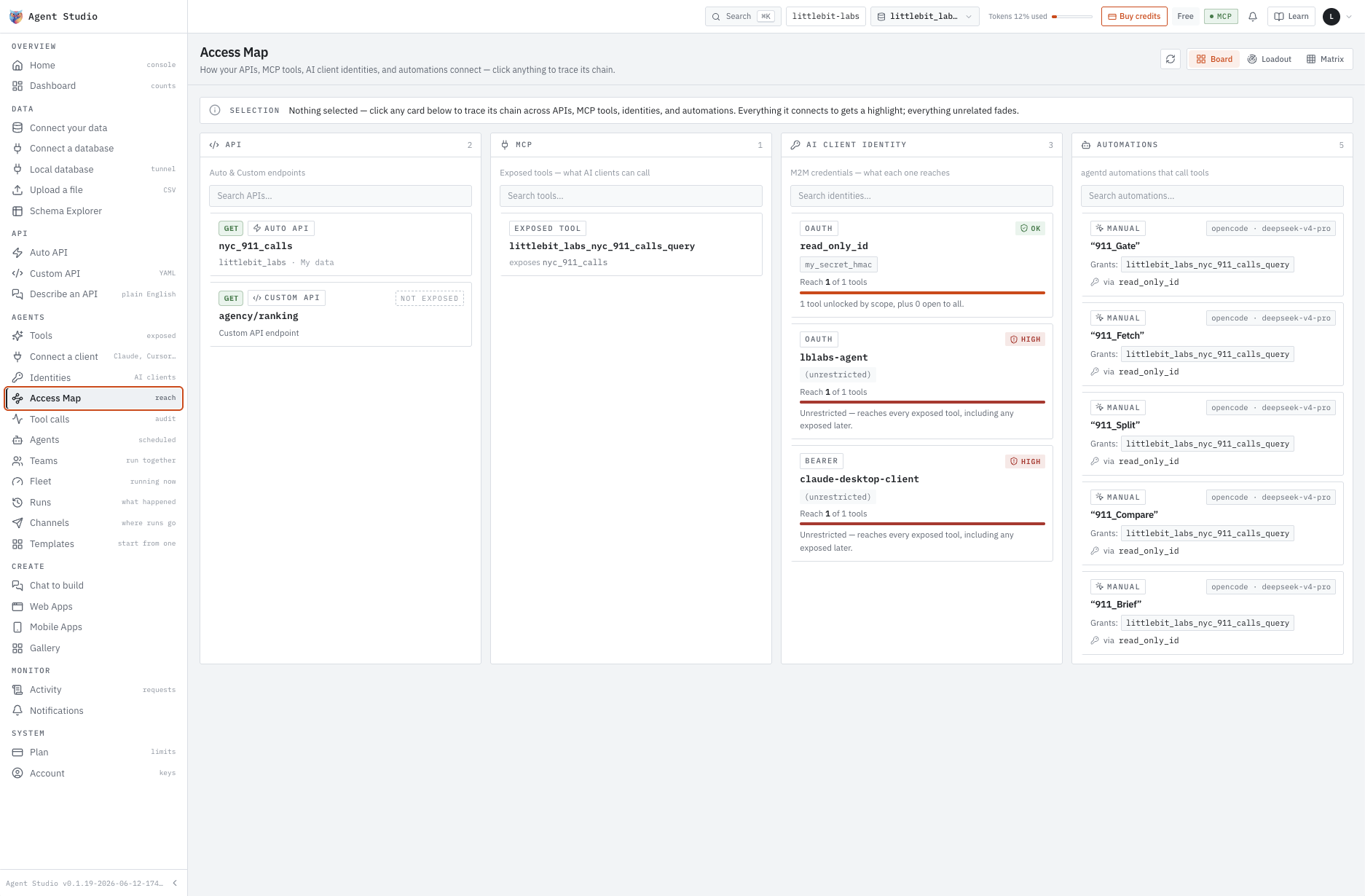
agency/ranking marked not exposed. One tool on the MCP server. Three identities. Five automations, each naming the grant it runs under. Reach is stated as a fraction on every card — 1 of 1 tools here, not a green tick.Click any node and the rest fades to the chain it belongs to.
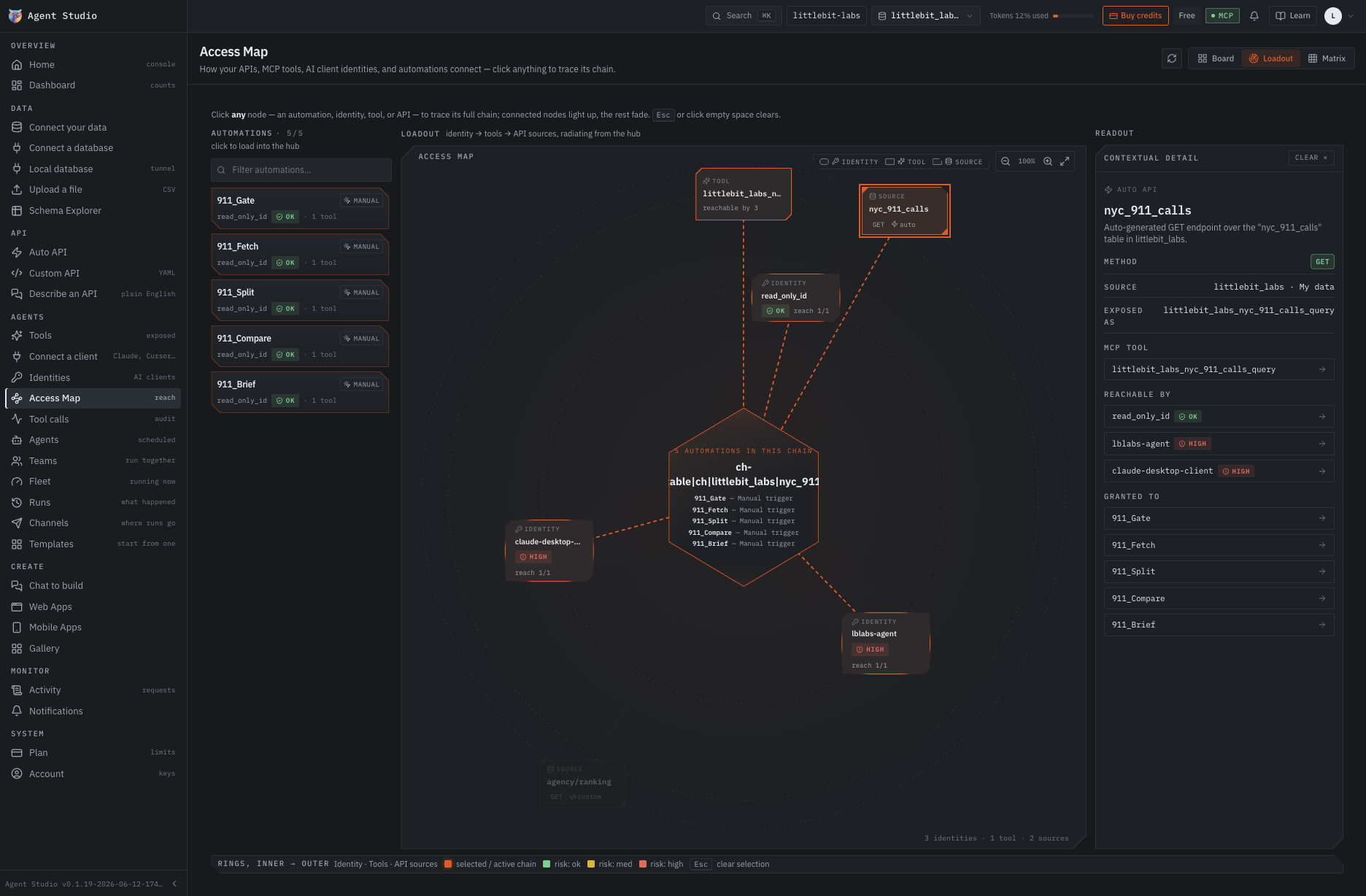
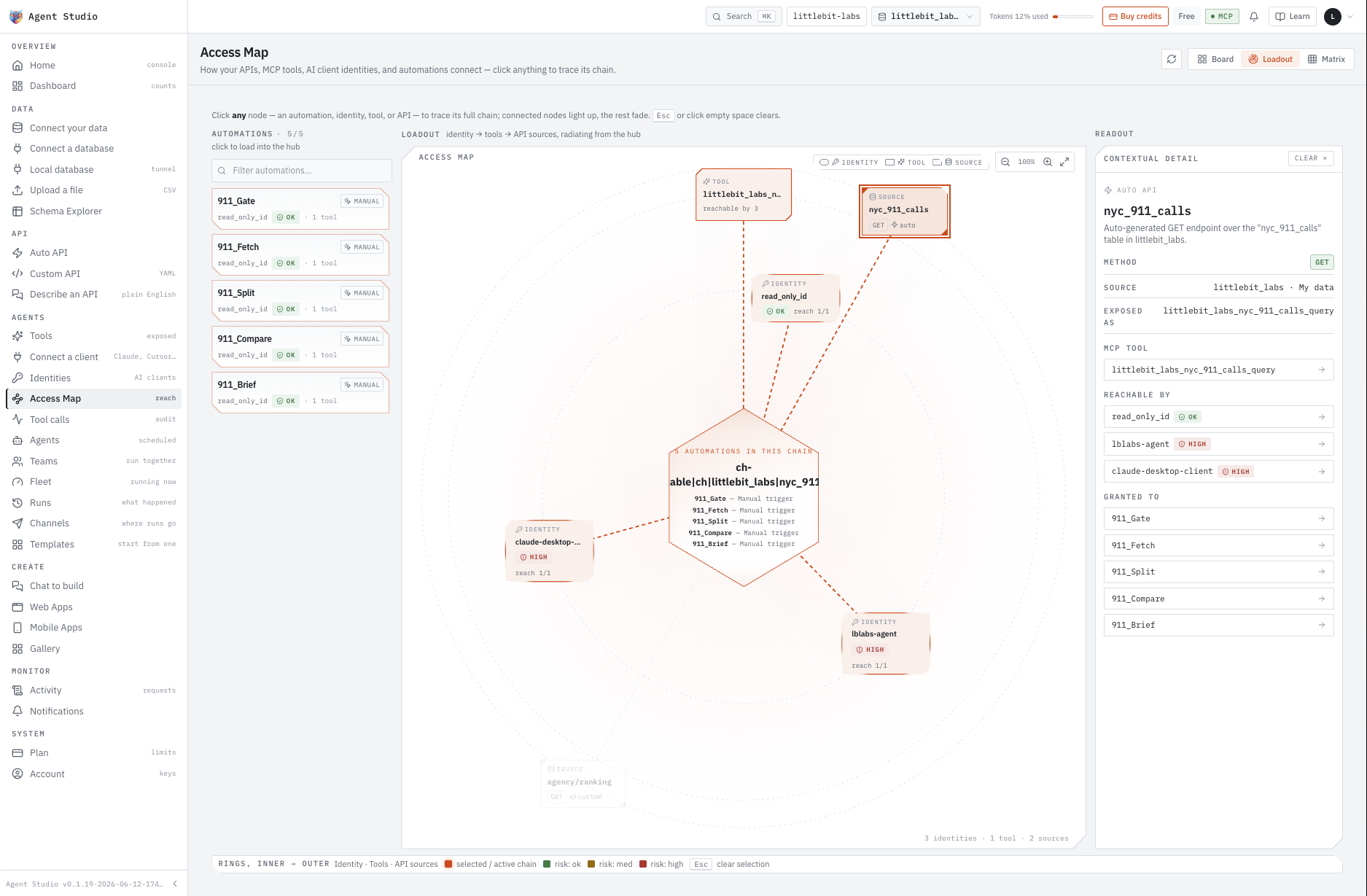
nyc_911_calls chain, selected. read_only_id reaches it and all five agents are granted it; the two client identities are flagged high-reach because they can call the same tool directly. Rings run identity, tools, API sources from the inside out.Afterwards, every call is on the record with the identity that authorised it.
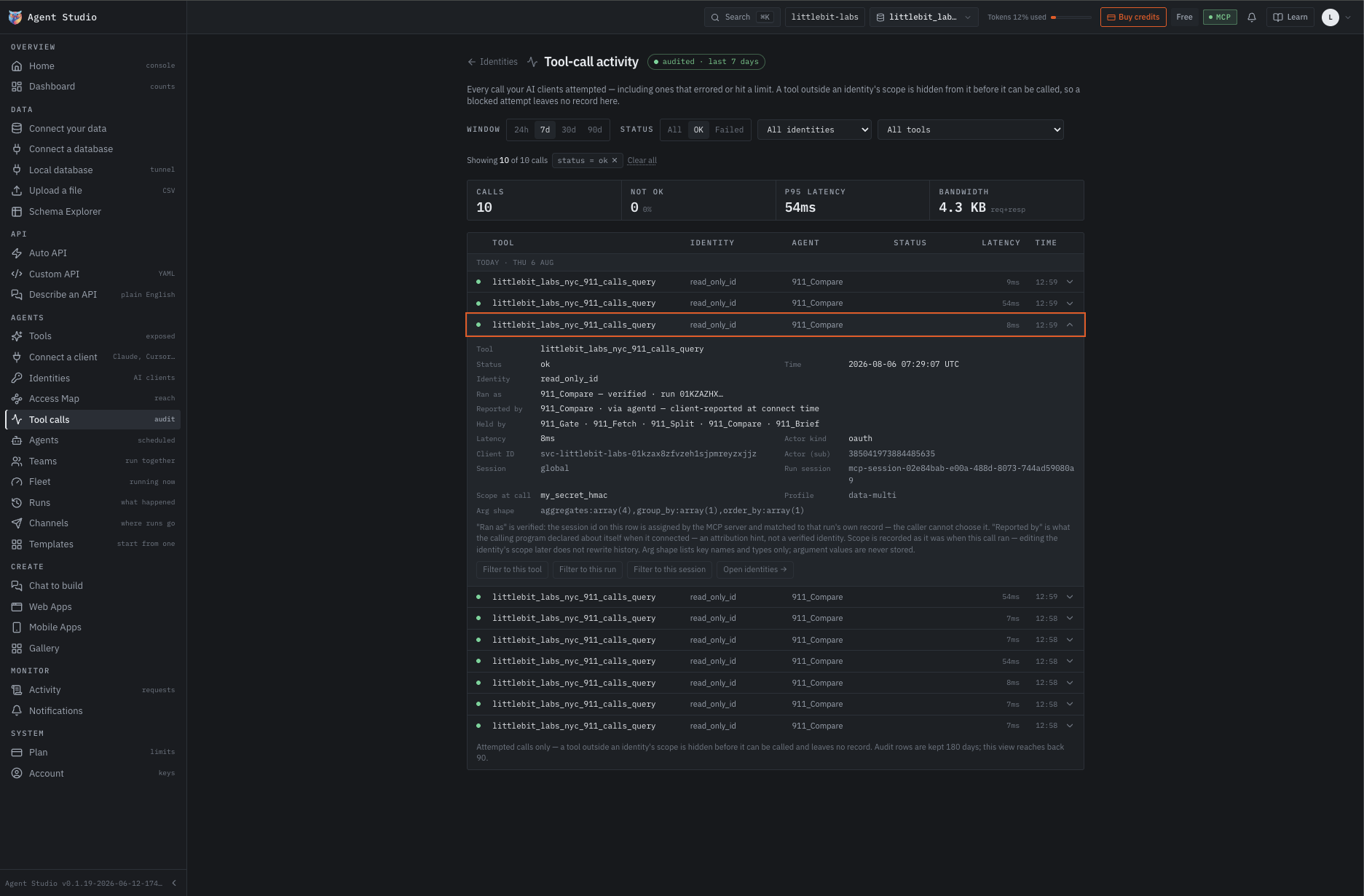
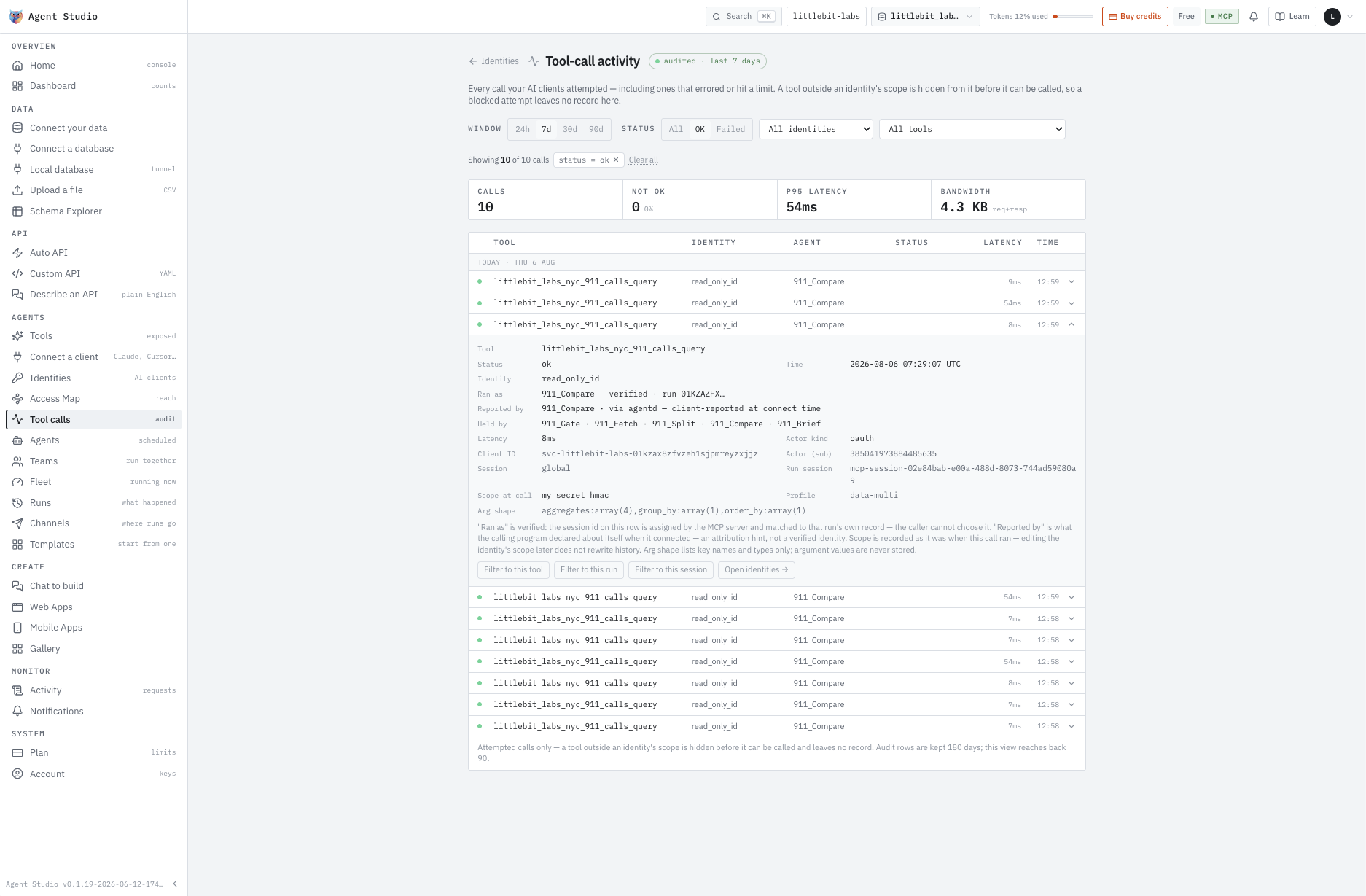
read_only_id. The expanded record separates what the caller claimed from what the server verified. A tool outside an identity’s scope is hidden before it can be called, so a blocked attempt leaves no row here.What it never touches
No database credentials are held on our side.
No listening port opened in your network — the connection is outbound-only.
Nothing persisted once a query has returned.
Day one is the short part.
The second half of the studio is operations. Five places in the product, for the part that lasts longer than the build.
Fleet running now
Every agent currently running, in one view.
Runs what happened
Each execution on its own record: what triggered it, what it did, what came back.
Tool calls audit
One row per call the agent made, with the identity that authorised it. Where you confirm it stayed inside its permissions.
Channels where runs go
Slack, Teams, Google Chat, Discord, Mattermost, PagerDuty, Opsgenie, email or your own webhook.
Teams run together
Agents composed into a workflow, so the job goes to the team rather than to one agent.
Measured on our own setup
Thirty seconds to CRUD on 100,000 tables.
One hundred thousand tables across ten databases, configured as a single project. At thirty seconds on the wall clock, create, read, update and delete were live on every one of them — a table’s endpoints appear the moment it finishes indexing.
Those endpoints are the agent’s MCP tools, so they arrive on the same clock. Query parameters carry complex reads and bulk writes as URL construction, which is roughly 90% of what an API project turns out to be. That is the 30×.
Fifteen databases and counting.
Plus five flat file formats, CSV and Parquet among them. The first question is what to build, not whether your database qualifies.
Effortless adaption.
A layer over the infrastructure you already run, on trusted sub-domain architecture. Your product and deployment stay exactly as they are.
SaaS, or your own metal.
Run it hosted and we operate it. Or take a licence, deploy inside your own network, and no data leaves your perimeter.
Build from wherever you are.
Connect Claude, Cursor, VS Code, Codex, Windsurf, Cline and Gemini to your setup.
Or start from one that exists.
Templates for the jobs people ask for most. Open one, change what differs, run it.
Every change in Time Capsule.
Automatic versioning of every artifact. Going back to any last known good state is a few clicks.
The short answers.
Do I need to know what MCP is?
No, but you will by the end of one session. It is the protocol an agent uses to discover and call tools. Minimal runs the server for you; the part worth understanding is which tools you hand it.
Which databases work?
Fifteen engines tested, including ClickHouse, Postgres, MySQL and MariaDB, plus flat files like CSV and Parquet. Whatever you already run is most likely already supported.
Can the agent write, or only read?
Both, and that is exactly what the identity is for. Write access is something you grant per action rather than a mode you switch on.
Where does my data actually go?
Nowhere. Queries run against your database through an outbound-only connection and the results are returned. There is no copy, no sync and no warehouse in between.
Which assistants can connect?
These eight are wired today. Anything that speaks MCP connects over OAuth, so the list grows with the protocol rather than with our roadmap.
 Claude
 Cursor
 VS Code
 Codex
Codex
 Windsurf
 Cline
Cline
 Gemini
 OpenAI
Which models do the agents think with?
Eight families, chosen per agent in the same form as its instructions. Claude, GPT and Gemini are built in; DeepSeek, Qwen, Kimi, MiniMax and MiMo — with GLM-5 and HY3 — come through OpenCode GO.
Claude 4.5
GPT-4.1 & 4o
Gemini 2.5
 DeepSeek V4
 Qwen3
Qwen3
 Kimi K2
 MiniMax M3
 MiMo V2.5
See it work on your own data.
Book a session and we build one agent together — on your data, or on ours if you would rather not bring your own yet. You leave with a working endpoint, an MCP server and an agent doing one job you would otherwise have done by hand.